5 June 2026 · Twitter Ban Service · ~11 min read
How to report a Twitter post or DMCA — the official X form for every violation
X gives you two separate removal routes, and using the wrong one is why most takedowns stall. To report a Twitter post for breaking the rules, you use the in-app ••• menu; to pull down your own copyrighted work, you file a DMCA notice instead. This guide maps each violation to its official X form.
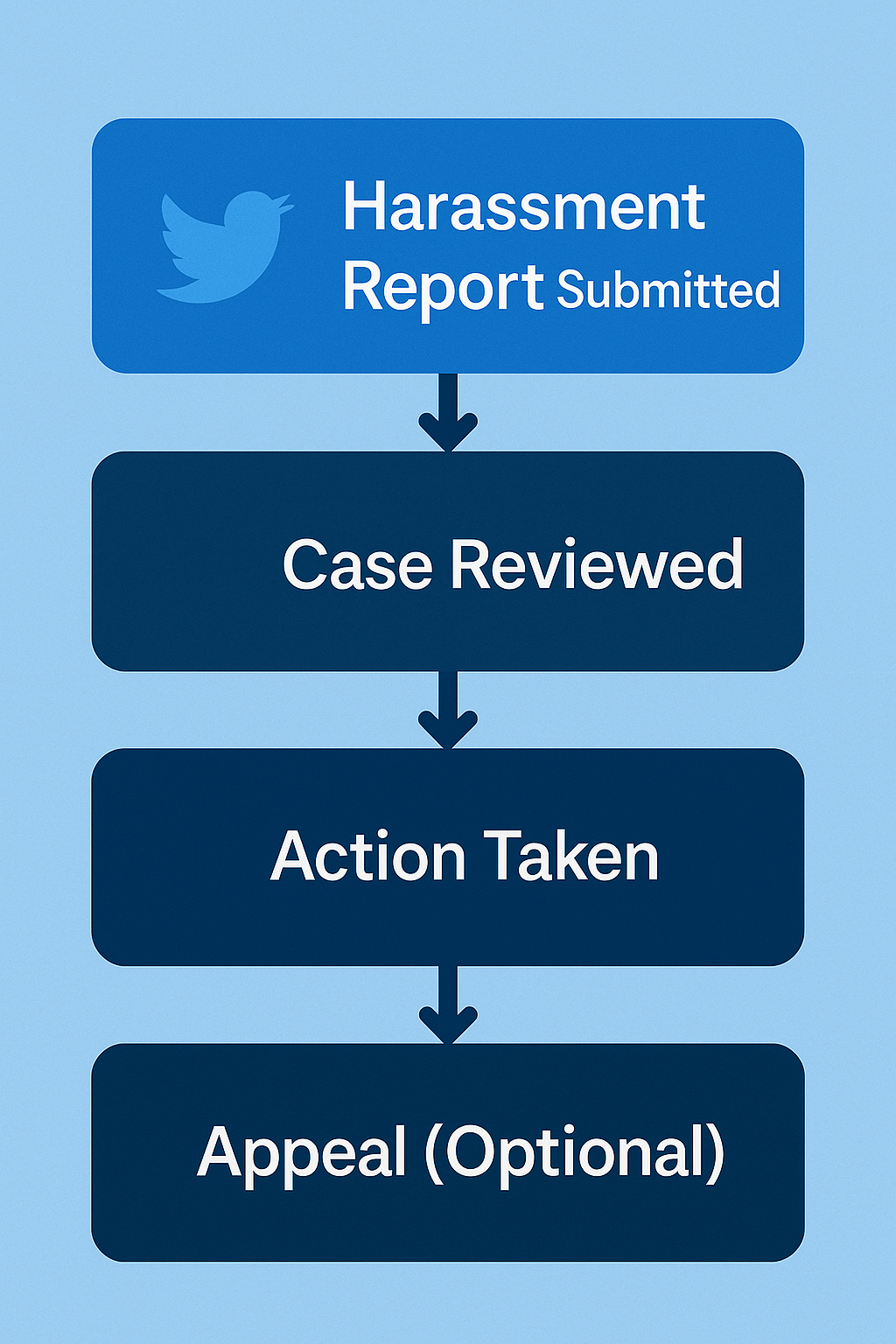
How do you report a Twitter post, and what happens after?
Open the post, tap the ••• menu above it, choose Report post, and work through X's symptom-first questions until you reach Submit. The flow asks who the post harms — you, someone else, or everyone on X — then narrows to a specific category, so the more precisely you classify it, the more a reviewer has to work with. You can file from a post, a profile, or a Direct Message; pick whichever surface shows the breach most clearly. X's own report-a-post guide walks through the taps. What it glosses over is the part people actually ask about: after you submit, X confirms receipt and then goes quiet. It may remove the post, throttle its reach, warn the account, or do nothing — and reporting a single post does not suspend the account behind it. For the mechanics of report types and their limits, our companion piece on reporting an X account covers them; to chase removal of someone else's tweet specifically, start with our tweet-removal routes.
Which official X form do you actually need?
Most wasted reports start in the wrong place. X spreads reporting across the in-app ••• button and a set of standalone forms in its Help Center forms hub, and the right one depends entirely on the violation. Treat the table below as the map — the sections after it go deeper on each row. One framing trap to clear first: there is no button to ban a Twitter account. You report a rule break, and X alone decides whether suspension follows.
| What you're reporting | Official X route | What to include |
|---|---|---|
| A rule-breaking post or profile | In-app ••• → Report post / profile | Permalink, dated screenshots |
| Your copyrighted work, reposted | DMCA form (help.x.com/forms/ipi/dmca) | Links to original + infringing, sworn statement |
| A fake or impersonation account | Impersonation form — no login needed | Proof you're the real party |
| A scam, spam, or bot account | In-app report → spam / scam | The pattern, not one lone post |
| A paid ad that breaks ad policy | X "Report an Ad" form | The ad and the rule it breaks |
| A bug, billing, or general issue | "Report a problem" via the forms hub | Account details, a clear description |
How do you file a Twitter DMCA notice — and is a copyright report anonymous?
To report a Twitter DMCA claim you skip the in-app button entirely and file a formal copyright notice through X's DMCA web form. Under the rules in X's copyright policy, a valid notice has to carry five things:
- identification of your original work;
- the link to the infringing post;
- your contact details, including a mailing address;
- a good-faith statement that the use isn't authorised; and
- a statement, under penalty of perjury, that you are the rights-holder or act for them.
That sworn line matters. Filing a knowingly false notice creates liability under 17 U.S.C. §512(f), and the same law hands the other side a counter-notice — after which the platform must restore the post in "not less than 10, nor more than 14, business days" unless you have taken them to court. Two cautions the casual guides skip. First, a DMCA notice is not anonymous: your name and address are forwarded to the alleged infringer and can surface in the public Lumen database, which held roughly 43 million notices by mid-2025. Second, copyright protects expression, not ideas or your likeness — it cannot pull down an unflattering photo of you, a parody, or a defamatory claim. Those belong to the in-app report or a legal route, and anything genuinely serious deserves a lawyer.
How do you report a fake Twitter account or impersonation profile?
Impersonation has its own standalone form, and you don't need an X account to use it — useful when someone clones a brand that isn't even on the platform. To report a fake Twitter account convincingly, file as the real person or an authorised representative and attach the proof that settles it: a government ID, the matching official website, or the original logo the impostor lifted. The exact question people search — how do I report a fake Twitter account — has one answer here: use the impersonation form, not the generic Report button. The steps are the same whether you're working out how to report a fake Twitter profile of a person or a cloned company page. Parody is where people slip up. Since X's April 2025 rules, a real parody, commentary, or fan account must label itself — the word "parody" (or "fan," "commentary") has to sit at the start of the display name and again in the bio, and it cannot reuse your exact avatar. A clone that skips those labels and copies your photo isn't satire; it's reportable impersonation. If the fake is squatting a username you own rather than posing as you, that's a separate track — see how to reclaim a dormant handle. For a full walkthrough of filing against a copycat, our impersonation-report guide goes step by step.
How do you report a scam or scammer on Twitter (X)?
Report a scammer on Twitter through the in-app flow under the scam or fraud option, which maps to X's platform-manipulation and spam policy — the rulebook that bans deception aimed at taking money, property, or private data. The usual suspects are crypto "double-your-coins" giveaways, fake support handles, wallet-drainer links, and romance or investment cons. Give the reviewer the whole shape of it: the handle, the scam posts or DMs, and any payment or wallet address attached. One safety rule overrides everything here — never send a "release fee," seed phrase, or "verification" payment to an account that messages you, and remember that X will never DM you to restore access; that message is the scam. Reporting a Twitter account scam helps X act, but it won't claw money back. If you've lost funds, treat it as fraud and report in parallel to your bank and a body like the FTC or your national cyber-crime unit.
How do you report a Twitter ad — or an undisclosed paid promotion?
Here the answer splits, and almost no guide says so plainly: reporting a Twitter ad and reporting an undisclosed ad go to different places. A promoted ad that breaks X's ad rules — a scam product, prohibited content — goes through X's Report an Ad route. An organic post that's secretly paid, where an influencer didn't mark it, is a disclosure problem; X's own Paid Partnerships policy lets you flag a missing "Paid Partnership" label without an account. But the body that actually polices non-disclosure is a regulator, not X.
| Where you report | What it handles | What it can do |
|---|---|---|
| X — Report an Ad / Paid Partnerships | Ad-policy breaches; missing disclosure label | Label, limit, or remove the post |
| US — FTC (reportfraud.ftc.gov) | Undisclosed paid endorsements | Enforces against brands and endorsers at scale |
| UK — ASA | Undisclosed ads in the UK | Rules on the ad and orders it withdrawn |
One honest caveat so you aim correctly: the FTC's disclosure rules require a clear "#ad"-style label whenever there's a material connection — payment, a free product, a family tie — and the dollar value is irrelevant. But the FTC pursues advertisers and endorsers as a pattern; it won't take down one specific tweet for you. So report an undisclosed ad to the FTC to feed enforcement, and use X's ad form to actually move the post.
How do you report spam and bot accounts on X?
Report a spam Twitter account, or report Twitter bots, through the same in-app menu under the spam or fake-engagement option — there is no official bulk tool, whatever the "report bot" apps claim. What moves a reviewer isn't one lonely bot but a documented pattern: matching bios, identical posting times, a burst of replies all pushing one link. Hand over that cluster and you're describing exactly what X's automated systems hunt for. The scale shows why volume alone is pointless — X logged more than 224 million user reports in the first half of 2024, per its Global Transparency Report, and triages them by rule-match rather than headcount. It's also why the products sold as a shortcut do the opposite of what they promise: some never submit a thing, while others automate reports until X's misuse rules flag the operator instead of the target. We take those apart in why bulk reporting fails and the report-bot threat model.
What is the Twitter abuse report form for harassment?
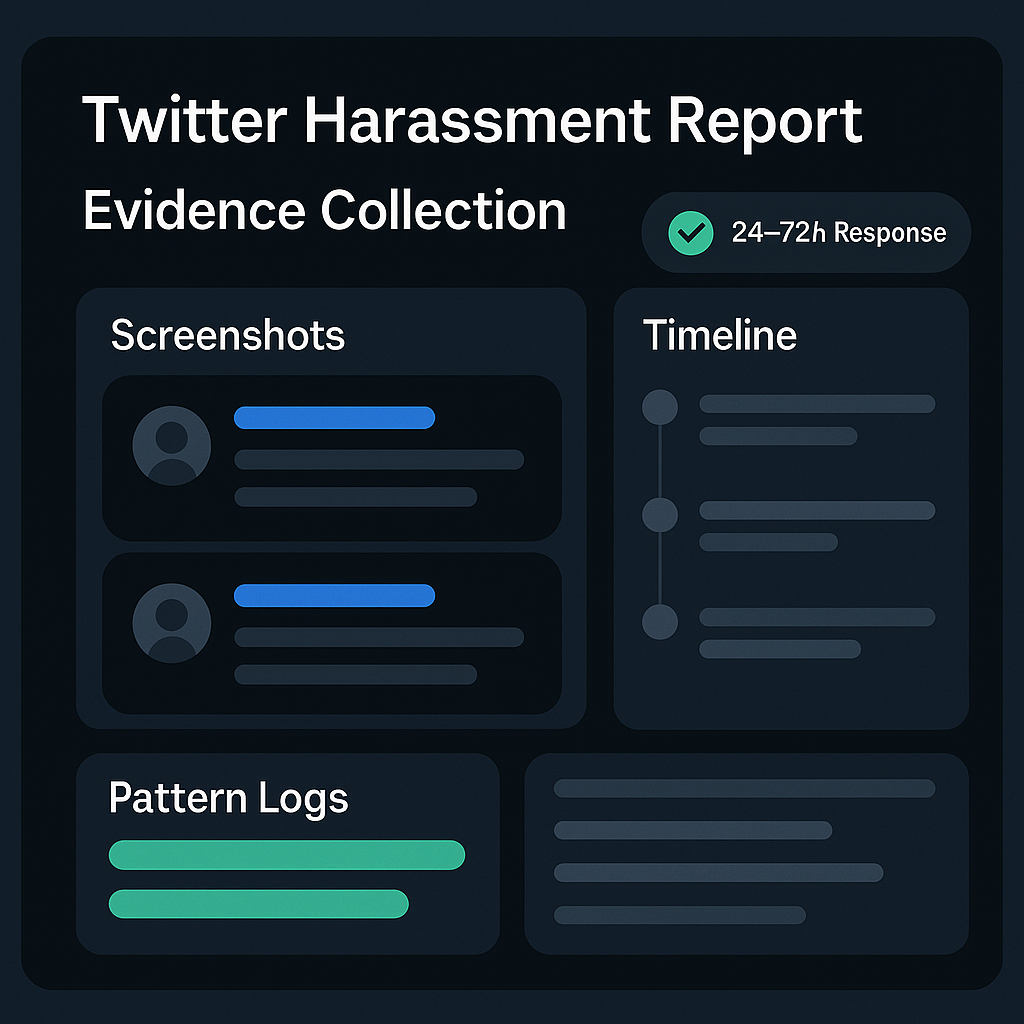
There's no separate public abuse form for everyday harassment — the Twitter abuse report form is the in-app flow itself. From the offending post, profile, or DM, choose ••• → Report and then "It's abusive or harmful," which routes the case under X's abusive-behavior policy. Follow-up questions sort it into the sub-type that fits: targeted harassment, violent threats, hateful conduct, or a coordinated pile-on. To report a Twitter harassment case that sticks, document the campaign before you file — collect permalinks, dated screenshots, and the handles involved, because abusers prune their timelines the moment they sense a report. If several accounts are hitting one target in lockstep, say so in the description and link the examples; a coordinated campaign is weighed more seriously than a scattering of one-off replies. Keep that evidence after you submit, too: if the harassment escalates, the same file is what police or a lawyer will ask for first.
When should Twitter harassment go to the police instead?
When behaviour crosses from rule-breaking into crime, a report to X stops being enough. Credible or violent threats, stalking, sextortion, and non-consensual intimate images are criminal matters in most countries, and platforms generally need a subpoena or court order before they'll release account data to investigators — something only a law-enforcement case can produce. If you're in immediate danger, contact local emergency services first: 911 in the US, 999 in the UK. For non-emergencies, the US routes online crime through the FBI's IC3 (ic3.gov), and the UK through police on 101 or a force's online reporting tool. Preserve everything before you report — full screenshots, sender handles, URLs, timestamps, and email headers — and don't delete the originals or reply to bait. A practical note on IC3: it's an intake-and-referral desk, so it won't gather evidence for you or accept attachments, which is exactly why your own documentation carries the case. Nonprofit guides like the PEN America Online Harassment Field Manual set out the steps in detail.
What is X's takedown policy, and how long does a report take?
X's takedown policy — what many still call the Twitter takedown policy — isn't a single delete switch; it's a ladder of enforcement options the reviewer picks from. The rungs run from labelling a post or cutting its reach, to making the user delete it, to read-only mode, a forced identity check, and — for severe or repeat breaches — permanent suspension. Which rung applies turns on the rule and the account's history, not on how many people reported. On timing, the honest answer is that there's no published SLA: people ask how long it takes for Twitter to respond to a report, and X simply doesn't guarantee a turnaround. A clear-cut case can move in hours; a contested one can sit for days or weeks, and you may never get a verdict beyond the post quietly vanishing or staying put. The one outside pressure is the EU's Digital Services Act, which obliges large platforms to handle illegal-content notices "in a timely, diligent, non-arbitrary and objective manner" and gives vetted trusted flaggers priority — though it still sets no fixed clock for an ordinary report. When a genuine breach keeps slipping through, that's the point where handing it to a service that knows how to get a rule-breaker actioned earns its keep.
Reporting well is mostly about matching the violation to the right form and bringing evidence a reviewer can act on — and most people don't need a service to do that. Where one helps is the stubborn case: a scam that keeps relaunching, a ring of fakes, a valid report X wrongly closed. That's the narrow job of our independent X reporting service, which screens every case against the violation types we take on before filing and never touches a legitimate account. If that's your situation, send us the handle and the rule it breaks.
Sources
- X Help Center — report a post, List, or Direct Message
- X Help Center — copyright (DMCA) policy
- U.S. Copyright Office — DMCA §512 (counter-notice and perjury)
- X Help Center — reporting impersonation (no account required)
- X Help Center — platform manipulation and spam policy
- X Help Center — Paid Partnerships policy
- FTC — Disclosures 101 for Social Media Influencers
- X Help Center — abusive-behavior policy
- FBI Internet Crime Complaint Center (IC3)
- PEN America — Online Harassment Field Manual
- X Help Center — range of enforcement options
- European Commission — illegal content and the Digital Services Act
FAQ
Does Twitter notify when you report someone?
No. X keeps reports confidential, so the account never learns who flagged it; it only hears from X if action is taken, and even then your identity stays hidden. The one exception is a DMCA copyright claim, where your contact details are shared with the other party by law.
Can you make an anonymous Twitter takedown?
An ordinary in-app report is effectively anonymous — your handle is never attached to it. A DMCA notice is the opposite: it is a legal filing that names you to the alleged infringer and can appear in the public Lumen database, so a copyright takedown is never anonymous.
How do you ban a Twitter account?
You cannot ban anyone yourself — only X can suspend a handle. What you can do is report a genuine rule break with solid evidence; if the breach is serious or repeated, X may suspend the account. Coordinated mass reporting does not speed this up and can breach X's misuse rules.
How do you report a Twitter issue that isn't about another account?
That goes through X's Help Center forms, not the in-app Report button. Whether it is a glitch, a payment query, an ad complaint, or an appeal for your own locked account, there is a specific form for it. X has no support phone line, so the forms hub or @XSupport are your options.
How many reports does it take to remove a tweet?
There is no magic number — X does not count reports toward a threshold. A single well-evidenced report on a real violation does more than hundreds of duplicates, and coordinated mass reports breach X's Misuse of Reporting Features policy, which can get the reporters actioned instead.
Do you need an X account to report something?
For most in-app reports, yes — you file from inside the app. But the standalone forms for impersonation and copyright (DMCA) do not require an account, so an impersonated person or brand that is not even on X can still file. Proof of identity strengthens those cases.