3 June 2026 · Twitter Ban Service · ~10 min read
How to remove tweets you posted, and file a Twitter impersonation report for ones you didn't
To remove tweets you posted, delete them one at a time or run a bulk-delete tool — X has no "delete all" button, and since its API changes free deletion is slower and capped. To act on tweets you didn't post, report the post, or file a Twitter impersonation report when an account pretends to be you.
This guide splits the work in two. The first half is about tweets you own and want gone — purging your own timeline, deleting an old account, and getting a locked one back. The second is about tweets and accounts you don't control: reporting a single post, and filing a Twitter impersonation report when someone clones you. The two jobs use completely different tools, and confusing them is why so many people end up frustrated. (If you need to take down a specific tweet that someone else posted about you, that is a third route again, covered separately.)
What's the best way to remove all tweets from your account at once?
The best way is a two-step move, because X gives you no one-click "delete all" button: archive first, then run a bulk-delete tool. X only lets you delete posts one at a time, so clearing a whole history is the single job its own settings won't do for you. To remove all tweets from your account in one pass you need that third-party tool, and the best way to delete all tweets is to prepare before you point one at your timeline. First, request your data archive under Settings → Your account → Download an archive of your data; it arrives in 24–48 hours and is the only complete copy you'll keep once posts start disappearing. Then feed that archive to a reputable tool, because X's API only exposes your most recent 3,200 posts — without the archive, anything older is invisible to the tool and quietly survives. People searching how to remove all tweets from Twitter picture a master switch; the real answer to remove tweets from Twitter at scale is archive first, then a tool that imports it.
Can you delete tweets for free, or do you need a tool to delete old tweets?
You can still delete tweets for free, but 2026 made "free" slower and smaller. After X curtailed the free API write access these services once relied on, the free tiers now throttle hard and usually stop at that 3,200-post ceiling. A free run clears your recent timeline; clearing years of backlog is where the paywall appears. Any tool to delete old tweets with date and keyword filters is doing the same OAuth-based deletion — never hand over your password, and revoke the tool's access afterward under Settings → Apps.
| Tool | Free bulk delete? | The catch |
|---|---|---|
| Redact | Yes | Throttled by X's rate limits; archive import for faster, older deletion is a paid upgrade |
| Circleboom | Limited | Around 50 deletions a day free; unlimited plus archive import is paid |
| TwitWipe | Yes | One-click wipe, but it stops at 3,200 tweets and there is no undo |
| TweetDeleter / TweetDelete | No | Browsing is free; the actual bulk delete sits behind a subscription |
How do you recover a deleted tweet?
Honestly, you usually don't. There is no recycle bin and no restore button on X: once a post is deleted, it's gone from your account for good, which is exactly why the archive step above matters so much. The only reliable copy of your own words is the data archive you downloaded before deleting — search it offline for the tweet you regret losing. A deleted post is different from a deactivated account: deactivation is reversible for 30 days, but a single deleted tweet is not. Stray copies may briefly survive in Google's cache or an Internet Archive snapshot, yet those are outside your control and fade on their own schedule. So treat every bulk delete as permanent, and never run one until that archive download has landed.
How do you remove your Twitter account, and lift restrictions on it?
"Removing" a Twitter account means deactivating it, and that starts a clock rather than hitting delete. From Settings → Your account → Deactivate your account, the profile vanishes immediately, but X holds your data for 30 days; log in once in that window and the account springs back, fully intact. Walk away for the full 30 days and deletion becomes permanent. Cancel X Premium and unlink any connected apps first, or billing can keep running against a "gone" account.
If the goal is instead to remove Twitter restrictions on an account you still want, the fix depends on the label. A locked account, flagged for unusual activity, reopens once you verify a phone number or email and clear the prompt X shows you. A limited account — often for an unverified contact detail or a minor rule trip — either lifts when you confirm that detail or simply expires after a set period. A full suspension is the serious tier: your only route is X's appeal form, and repeated violations may remove the quick phone-verify option entirely.
What happens when you report a tweet, and how many reports does it take to get one deleted?
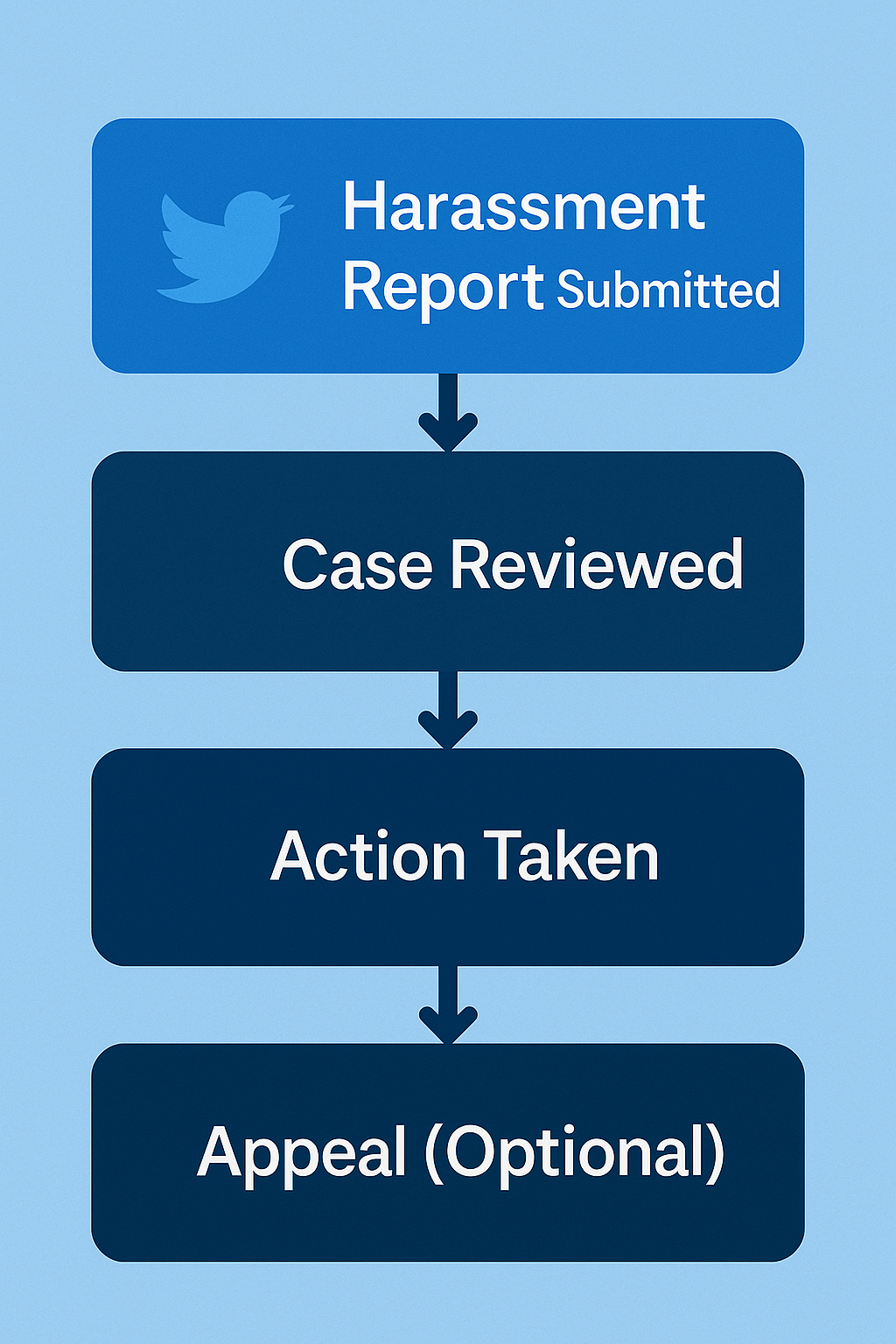
When you report a tweet, nothing is deleted at the moment you tap send. The post goes into a review queue where X's automated systems, human moderators, or both check it against a specific rule, then either remove it, throttle who can see it, or leave it standing — and you get a notification of the verdict. That is the real answer to what happens when you report a tweet: a review, not a removal. The popular idea that there's a magic number — how many reports to get a tweet deleted — is a myth. X weighs the violation and the evidence, not the headcount; in fact, piling on duplicate or coordinated complaints breaches its misuse-of-reporting-features policy and can get the organisers actioned instead. X logged more than 224 million user reports in just the first half of 2024, per its Global Transparency Report — at that scale, one well-evidenced report beats a thousand noisy ones, which is why bulk reporting an account and rented report bots reliably backfire.
How do you report hate speech or misinformation on X?
The two have very different answers in 2026. To report hate speech, open the post, tap the ••• menu, choose Report, and pick the hate category; X then measures it against its Hateful Conduct policy, which covers attacks on protected characteristics such as race, religion, gender and disability. Misinformation is the surprise. X quietly removed the dedicated "misleading information" reporting option in late September 2023, as TechCrunch first documented, so for most users there is simply no misinformation button to press anymore. The platform now leans on crowd-sourced Community Notes instead — and there is some evidence it bites: a 2024 study from researchers at the Universities of Illinois, Rochester and Virginia found posts carrying a public note were 32% more likely to be deleted by their own author. What you can still formally report is synthetic or manipulated media; EU users also keep a separate "report illegal content" route under the Digital Services Act.
Can you report a tweet anonymously, and how do you report Twitter DMs?
Yes — reporting is confidential by default. When you flag a post, X never tells the other account who filed it; the reporter's identity stays hidden whether or not X acts. The single exception is copyright: a DMCA complaint travels with your contact details, which is why brands usually file those through an agent. A court order can also force disclosure, but X notifies you before it complies. Direct messages (DMs) have their own controls people miss: to report one message, press and hold it and choose Report message; to flag a whole thread, open the conversation menu and choose Report conversation, which also works for group chats. Blocking and muting sit in the same menu if you'd rather just cut the sender off. None of this requires announcing yourself to anyone.
How do you file a Twitter impersonation report for a fake account?
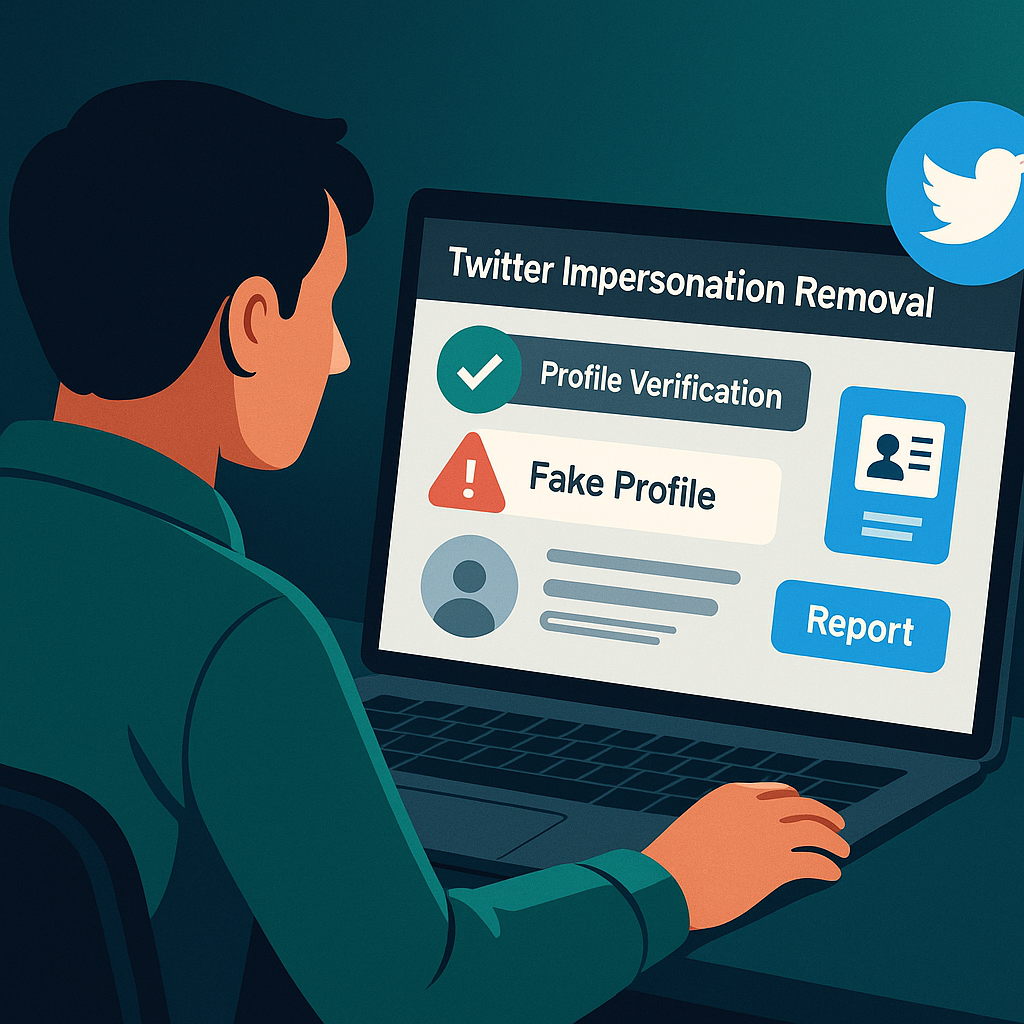
File it through X's dedicated impersonation channel, not the generic Report button. X runs a standalone impersonation report you can submit even without an account, as long as you're the person or brand being copied or their authorised representative; there's a separate path for reporting impersonation of someone else. Supply the fake @handle, the profile URL, and proof you're the genuine party — a matching website, the original logo, or, for companies, trademark registration, which measurably speeds a case up. Be clear which problem you have: an account pretending to be you is impersonation, while a bot inflating likes and replies is platform manipulation, and they go to different queues. The line that trips people is parody. Since X's 10 April 2025 rules, a parody, fan or commentary account has to put that word at the start of its display name and in its bio and must not reuse your exact avatar; a clone with no such label is reportable, a properly labelled joke account is not. That's why honest threads behind any Twitter impersonation report Reddit search land on the same caution: non-trademark cases can take weeks and aren't guaranteed, and paid verification now lets impostors buy a checkmark too. When an impostor is squatting a name you own, getting it suspended can free the handle so you can claim the dormant username; when the whole account is the problem, the job shifts to getting that account actioned on the rule it breaks.
How does Twitter detect ban evasion when a suspended account comes back?
Not by IP address alone, which is the assumption that gets evaders caught. X's ban-evasion policy reserves the right to suspend any account it believes the same person runs, "regardless of when the other account was created." To make that link it leans on device fingerprints — the browser, operating system, screen and font signature that survives a new email and a VPN — alongside reused phone numbers, matching behaviour and the old follower graph. A fresh IP barely helps when the device signature is identical. The stated penalty is permanent suspension at first detection, no warning. So if a creator you reported simply reappears under a new handle, you don't need their address; report the new account and name the original suspended username in your report, because that connection is the evidence reviewers act on.
Sources
- X Help Center — How to deactivate your X account
- X Help Center — Locked and limited accounts
- X Help Center — Appeal a suspended account
- X Help Center — How to report a post
- X Help Center — Misuse of reporting features
- X Help Center — Hateful conduct policy
- X Help Center — Report impersonation
- X Help Center — Ban evasion policy
- TechCrunch — X removes the option to report misinformation
- X Global Transparency Report — user reports and enforcement volume
- University of Illinois Gies College of Business — Community Notes study
FAQ
Is there really no way to bulk-delete tweets for free in 2026?
You can still delete tweets for free with tools like Redact, Circleboom or TwitWipe, but expect throttling. Since X pulled the free write access these tools used to lean on, free tiers now delete slowly and usually stop at your most recent 3,200 posts. Clearing an older archive in bulk generally means paying for archive import or waiting out the rate limits over several sessions.
Does deactivating my X account delete my tweets straight away?
No. Deactivation starts a 30-day grace period during which your profile and posts are hidden but not erased, and simply logging back in cancels it and restores everything. Only after 30 days of no login does X begin permanent, irreversible deletion. Cancel any X Premium subscription and unlink third-party apps before you start.
Will the person know if I report their tweet or DM?
No. X keeps the reporter's identity confidential, so the account you flag never learns who filed the report. The one routine exception is a copyright (DMCA) complaint, where your contact details are passed to the other party as part of the legal process. A court order can also compel disclosure, but X notifies you first.
Can you still report misinformation on X?
Mostly not through a dedicated button. X removed the general "misleading information" report option in late 2023 and now relies on crowd-sourced Community Notes. You can still report synthetic or manipulated media, and EU users keep a separate "report illegal content" route under the Digital Services Act, but there is no broad misinformation report category for most users.
How long does a Twitter impersonation report take?
There is no fixed time. Cases backed by trademark documentation or a clear side-by-side of a cloned profile tend to move fastest, while a plain impersonation report with no legal standing can take days to weeks, and X may decide the account is a labelled parody and leave it up. X notifies you of the outcome by email.
If a case is genuinely a rule breach and you'd rather hand off the paperwork, our X account reporting service screens every request first and only files honest, evidence-led reports — you can see the violations we handle, then send us the details and we'll tell you plainly whether a removal path exists.